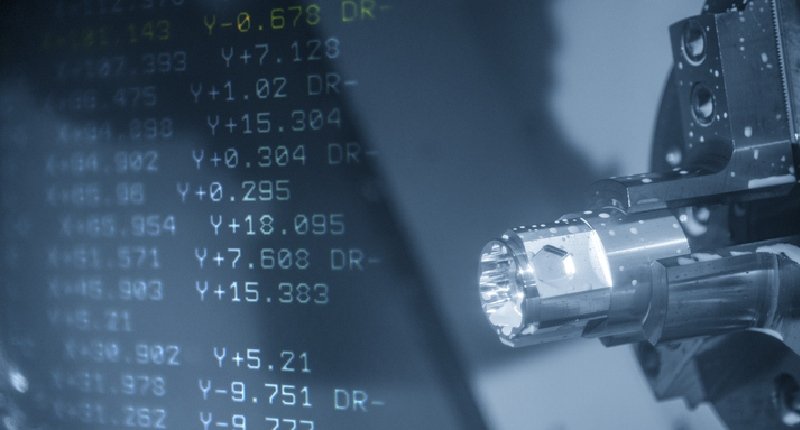
G-code might look confusing at first, but it’s basically the language machines use to understand what to do. It’s used in CNC machines, lathes, and even 3D printers to control movement and operations.
In simple terms, G-code tells a machine:
Where to move (using X, Y, Z coordinates)
How to move (straight line, curve, speed, etc.)
What action to perform (cutting, drilling, tool change, etc.)
Each command starts with a letter like G or M followed by numbers. By combining these commands, you can fully automate a machining process without manual work.
Types of Commands (Easy Understanding)
- Movement Commands
Move quickly → G00
Move in a straight line → G01
Move in curves → G02 (clockwise), G03 (anti-clockwise)
- Setup Commands
Set units → G20 (inches), G21 (mm)
Set working position → G54–G59
Go back to home → G28
- Tool & Machine Control
Tool change → M06
Coolant ON/OFF → M08 / M09
Stop machine → M00
Restart program → M30
- Drilling & Cycles (Predefined actions)
These are shortcuts for common tasks:
Simple drilling → G81
Deep drilling → G83
Tapping → G84
Boring → G86
- Positioning Modes
Absolute position (fixed reference) → G90
Relative movement (based on last position) → G91
Key Idea
Even though there are many commands (100+), you don’t need all of them daily. Most programming uses a core set.